How Working Adults Can Get Started with Generative AI Tools
Generative AI has moved beyond research labs and tech headlines. Today it is a practical tool that anyone can learn to use. For working adults who did not grow up writing code, the idea of creating something with AI can still feel out of reach. It does not have to be. The real shift is not about learning to program. It is about learning to think in terms of prompts, data, and iteration.
The most common misconception is that you need years of engineering experience to work with AI. In reality, many of the most useful generative AI applications are built without writing a single line of code. The barrier to entry has dropped dramatically. What matters now is understanding how to frame a problem, how to test a prototype, and how to refine it based on real feedback.
What Does It Mean to Build with AI Today
When people say they want to build an AI app, they often imagine a complex system running on expensive hardware. That picture is outdated. Modern platforms let you assemble components that are already trained and ready to use. You connect them through drag-and-drop interfaces or simple configuration panels. The heavy lifting happens on servers you never see. Your job is to define the input, the output, and the rules in between.
For example, a customer service chatbot can be built by uploading a set of FAQs and configuring a conversation flow. An internal tool that summarises meeting notes can be set up by connecting a transcription service to a summarisation model. In both cases, the builder focuses on logic and content, not on writing machine learning algorithms.
This shift opens the door for people who understand a domain deeply. A nurse can build a symptom checker. A logistics coordinator can build a route optimiser. The best AI tools are often created by people who know the problem, not by people who know the most about AI.
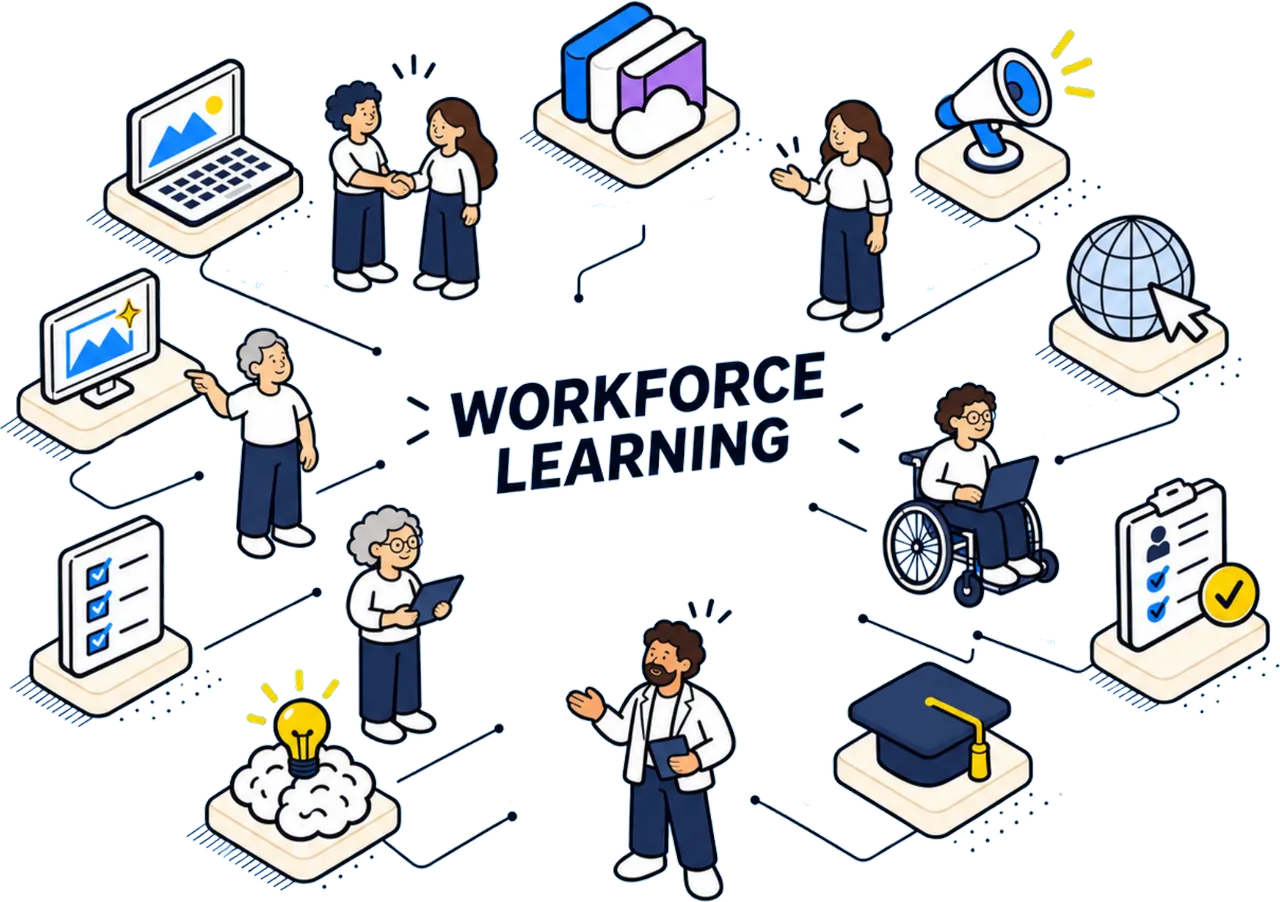
What a No-Code Approach Actually Looks Like
A typical no-code AI workflow starts with a goal. You decide what you want the app to do: answer questions, generate text, classify images, or something else. Then you choose a pre-built model that fits that goal. Most platforms offer a library of models for common tasks. You pick one and connect it to your data.
Data preparation is the part that takes the most care. The model needs examples to learn from. If you want an app that writes product descriptions, you feed it a few good descriptions you have written yourself. The model studies the pattern and tries to match it. The better your examples, the better the output. This is not coding. It is curating.
Once the model is connected to your data, you test it. You send a sample input and see what comes back. If the result is wrong, you adjust the instructions or add more examples. This loop of test, adjust, retest is the core of building with AI. It is more like teaching than programming.
Common Pitfalls and How to Avoid Them
The most common mistake is expecting perfect results on the first try. Generative models are probabilistic. They produce different outputs each time, even from the same input. This can be frustrating if you expect consistency. The fix is to set clear boundaries. Add constraints to the prompt. Tell the model what to avoid. Use examples that show the exact tone and format you want.
Another pitfall is overloading the model with too many instructions. A short, clear prompt often works better than a long, detailed one. If the model gets confused, simplify. Break the task into smaller steps. Let the model answer one question at a time instead of trying to handle everything in a single turn.
Data quality matters more than model choice. A mediocre model trained on clean, focused data will outperform a state-of-the-art model trained on noisy data. Spend time cleaning your examples. Remove contradictions. Make sure each example teaches a consistent lesson.
How to Build an AI App in a Classroom Setting
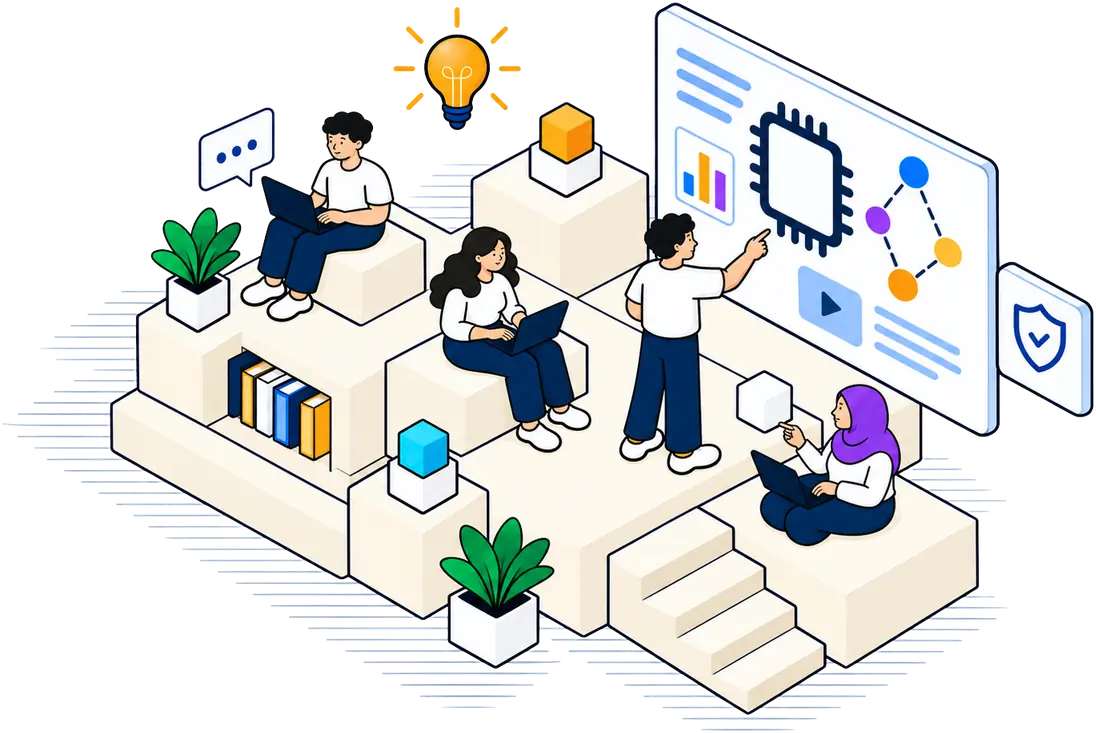
A structured learning environment can help you move from idea to working prototype quickly. In a classroom course that runs over two days, the focus is usually on hands-on practice. You start with a simple idea, build a prototype, test it, and then improve it. The instructor provides the platform and the guidance. You provide the problem and the curiosity.
During the first day, you learn the basics of prompt design and model selection. You try different models on the same task and see how the results differ. You learn to spot when the model is guessing and when it is reasoning. By the end of the first day, you have a rough version of your app. It might not work perfectly, but it runs.
On the second day, you refine. You add more examples. You tighten the instructions. You test edge cases. You also learn how to launch the app so others can use it. The goal is not just to learn theory. The goal is to leave with something you can show your colleagues.
This kind of course is designed for working adults who cannot spend weeks away from their jobs. The schedule is compressed. The material is practical. There is no homework that requires a computer science degree. The emphasis is on doing, not on memorising.
What to Look For in a Training Program
Not all courses are equal. When evaluating a program, consider these points:
- Does it use a no-code or low-code platform? If the course requires you to install software or write scripts, it may not be suitable for beginners.
- Is the course focused on a specific use case? Generic overviews are less useful than programs that let you build something relevant to your job.
- Does it include time for testing and iteration? Building an app is not a linear process. You need room to make mistakes and fix them.
- Is there support after the course? A good program offers follow-up resources or a community where you can ask questions later.
- Is it funded or subsidised? Programs like those supported by SkillsFuture in Singapore make training accessible without a large personal investment.
Where the Field Is Going
Generative AI is still evolving fast. The tools that exist today will look basic in a few years. But the core skills you learn now will stay relevant. Knowing how to frame a problem, how to test a hypothesis, and how to refine an output based on feedback will matter regardless of the platform. These are not technical skills. They are thinking skills.
For working adults, the window of opportunity is wide open. The tools are accessible. The training is available. The demand for people who can bridge domain knowledge and AI capability is growing. If you have been waiting for the right moment to build an AI app, that moment is now. The only requirement is a willingness to try, to fail, and to try again.
Start with a small problem. One that you understand well. Build a simple version. Show it to someone. Ask for feedback. Then improve it. That loop is the same whether you are a beginner or an expert. The difference is simply how many times you have gone through it.